 Skip to content

Website Redesign SEO South Africa: 11 Essential Launch Checks
By David Gous · · 11 min read
Website redesign SEO South Africa projects should begin with an inventory of the pages and customer journeys the business needs to preserve. Before approving a launch, compare the old and new URLs, content, indexing settings and enquiry routes. A better-looking website can still lose useful information or send customers to the wrong place.
A legal practice considering a rebuild can review our law-firm marketing and website approach before deciding which practice pages, URLs and enquiry steps to preserve.

This guide gives business owners an eleven-check launch review and a copyable URL-mapping worksheet. It is designed for conversations with a designer, developer or SEO supplier. It does not promise that rankings will remain unchanged. It helps you identify avoidable launch problems and assign responsibility for fixing them.
Editorial basis: primary-source migration guidance checked on 18 October 2026. The worksheets and fictional examples are practical planning tools. No client migration results are claimed.
In this guide
Decide what is actually changing

A visual refresh, a platform migration and a domain move have different risks. Write down whether the project changes the design, hosting, content, URLs, domain or contact systems. If several change together, you need a more detailed verification plan because it becomes harder to identify the cause of a problem.
Where useful URLs already exist, keeping them can reduce unnecessary work. A designer may prefer a shorter slug, but that preference alone is not a strong reason to replace an established service URL. The question is what the change achieves for the business and the people using the site.
Google’s site-move guidance describes the work involved when addresses change. A hosting change without changed URLs has its own guidance. Ask your supplier which situation applies before accepting a generic migration checklist.
Our WordPress website design guide can help define the wider build. This article focuses specifically on preserving useful search destinations and customer routes during the transition.
Eleven checks for website redesign SEO South Africa projects
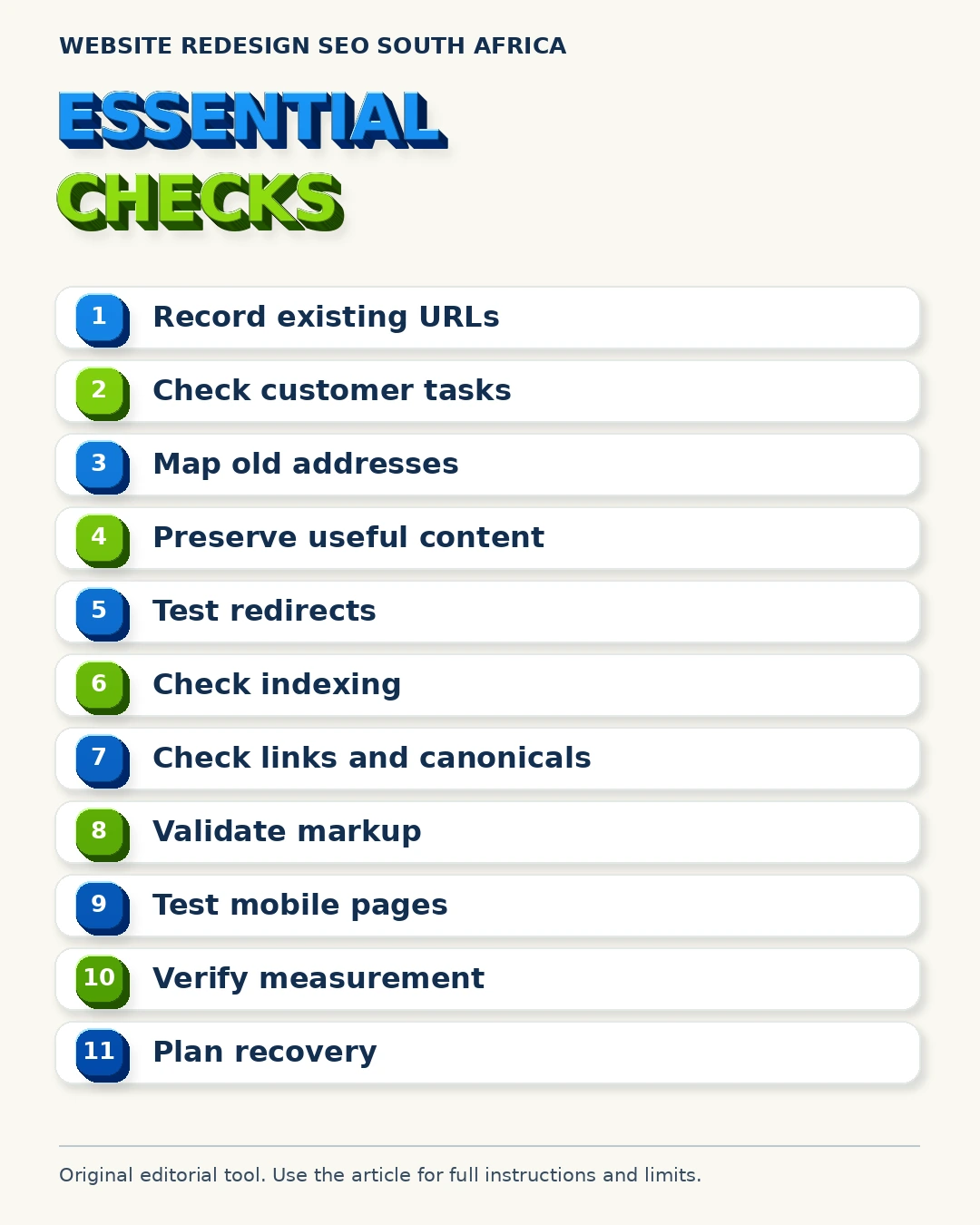
For downloadable brochures and price lists, the PDF URL and canonical guide explains why document links and version choices belong in the migration plan. Treat these checks as acceptance criteria. Each needs a named person, a test and evidence. “SEO included” is too vague to show that a redirect works or a quotation form reaches the right inbox. The work should be reviewable before the old site disappears.
1. Record the existing website
Keep a current list of public URLs, important page titles, main headings and service content. Include downloads and images that receive useful links. Export relevant search and analytics information where you have access, noting the period and any tracking limitations.
Start with pages that contribute to business tasks, not only pages with high traffic. A low-traffic contact page can still be essential. If you lack reporting access, state that limitation and use the live site, sitemap and business knowledge to build the inventory.
2. Identify what customers must still be able to do
List the important actions: enquire, phone, request a proposal, book or buy. Follow each existing route and record its destination. A redesign often changes navigation and forms at the same time, so customer journeys need their own checks.
For each journey, specify what a successful test looks like. A form displaying a success message is only one part of the process. Confirm that the message arrives in the expected system and contains the information staff need to respond.
3. Keep a decision for every important old URL
Mark each URL as keep, improve, merge or retire. If it changes, choose the closest relevant new destination. Do not send every removed page to the homepage simply because that redirect is easy to create.
A page about one service may need a replacement about the same service. If no suitable replacement exists, the correct response depends on the content and whether the service remains available. Ask the supplier to explain the decision rather than hide it in a bulk rule.
4. Preserve useful content before rewriting
Compare old and new service pages side by side. Check scope, area coverage, process details, helpful questions and contact instructions. Do not replace specific information with attractive but vague slogans.
Website redesign SEO South Africa work benefits from a content record that shows what is deliberately retained and what is improved. Our AI content SEO guide is relevant when generative tools assist with rewriting. The business must still confirm the facts.
5. Test redirects individually
When a public URL permanently changes, a suitable permanent redirect is usually part of the migration. Google’s redirect documentation explains the different types. Ask the developer to test both the response and the final page.
Check for chains, loops and irrelevant destinations. A redirect that technically runs can still send a customer to the wrong service. Include a sample of real inbound links and saved campaign URLs in the test, alongside the full important-page mapping.
6. Check indexing instructions on the live site
Staging environments often use settings that keep unfinished pages out of search. Those instructions must not accidentally carry over to the production site. Conversely, an unfinished staging copy should not become a competing public version of the website.
Ask for checks of page-level robots instructions, site visibility settings and relevant server responses. A robots.txt rule and a noindex instruction serve different purposes. Refer to Google’s noindex guidance when diagnosing the actual setting rather than assuming all blocking works the same way.
7. Confirm canonical URLs and internal links
The new site should link directly to its intended destinations. Navigation, buttons, article links and breadcrumbs need review. Avoid leaving internal links pointed at staging addresses or depending unnecessarily on redirects to reach current pages.
Check that canonical references describe the intended public version. Google’s canonical guidance is the primary reference. A correct-looking page can still contain a reference to another version, so this requires a technical check as well as visual inspection.
8. Validate structured data against the new content
A changed layout can leave old markup describing content that no longer appears. Review business information, article details, products and any other relevant structured data. Remove unsupported claims rather than carrying them forward automatically.
Our schema markup guide explains the role of accurate markup. Validation helps identify implementation issues, but a successful test does not guarantee a special search display. The visible page and markup should tell a consistent story.
9. Test the important pages on mobile
Review menus, readable text, comparison tables, consent controls and contact buttons on a small screen. Make sure a sticky element does not cover the main action. Test with a realistic connection as well as a fast office connection where possible.
Use performance tools to investigate problems, then check how the page actually behaves. PageSpeed Insights provides useful diagnostics. Its score is one signal for investigation, not a complete business acceptance test or a promise of rankings.
10. Verify measurement after the change
Confirm that the agreed analytics property receives the intended events and that duplicate installations have not inflated activity. Keep a record of the launch date. Distinguish a button click from a delivered enquiry and a delivered enquiry from a suitable business opportunity.
Our AI SEO measurement and attribution guide discusses the limitations of attribution. If tracking changes during the redesign, document that break before comparing old and new totals.
11. Make the release reversible where practical
Take a recoverable backup and identify who can restore it. Decide how recent form entries, orders or bookings will be preserved if a rollback becomes necessary. Restoring a database without considering new activity can create a different problem.
Read the WordPress guidance on backing up files and the database. Our website maintenance service is relevant to the ongoing care around a launch. A backup file that nobody has verified is weak evidence of recovery readiness.
Keep, improve, merge or retire: choose deliberately
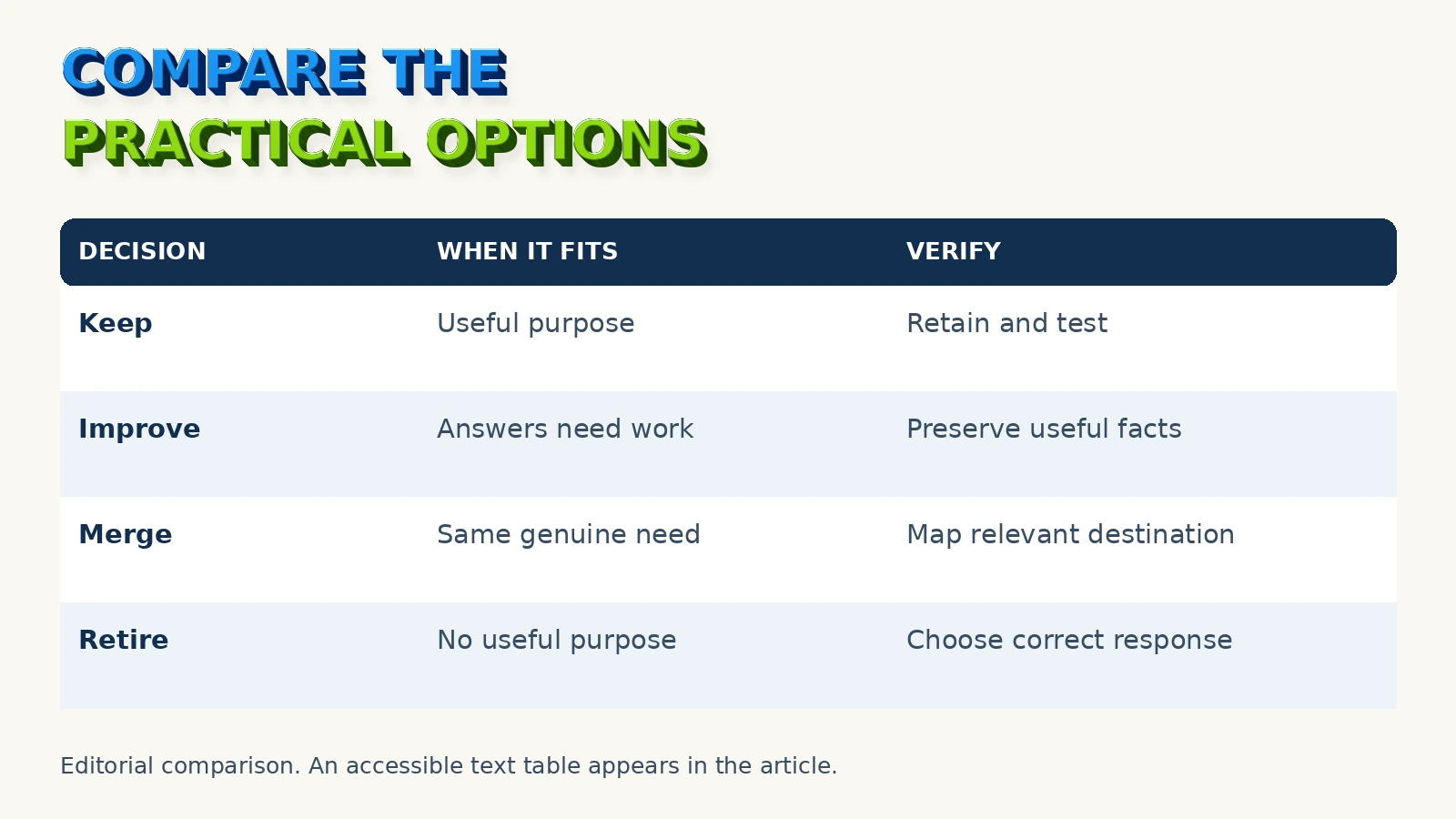
The following decision table helps the business owner approve page treatment. It does not replace a technical review. A URL can be commercially important even when it has little recorded search traffic, particularly if it is used in email, printed material or customer support.
| Decision | When it may fit | What to verify |
|---|---|---|
| Keep | The page and purpose remain useful | URL, content and customer route still work |
| Improve | The purpose stays but answers need work | Retained facts, clearer wording and correct metadata |
| Merge | Two pages genuinely serve the same need | Relevant destination, retained useful content and redirects |
| Retire | The content or service is no longer useful | Appropriate response and removal from internal links |
The unique value of a website redesign SEO South Africa plan is the connection between these decisions and an actual URL list. A general promise to “retain SEO” gives you no way to spot an omitted service page before launch.
For the build itself, compare the intended functionality with our website design service and AI-ready WordPress websites. Define the project around business requirements before selecting extra features.
Build the URL-mapping worksheet
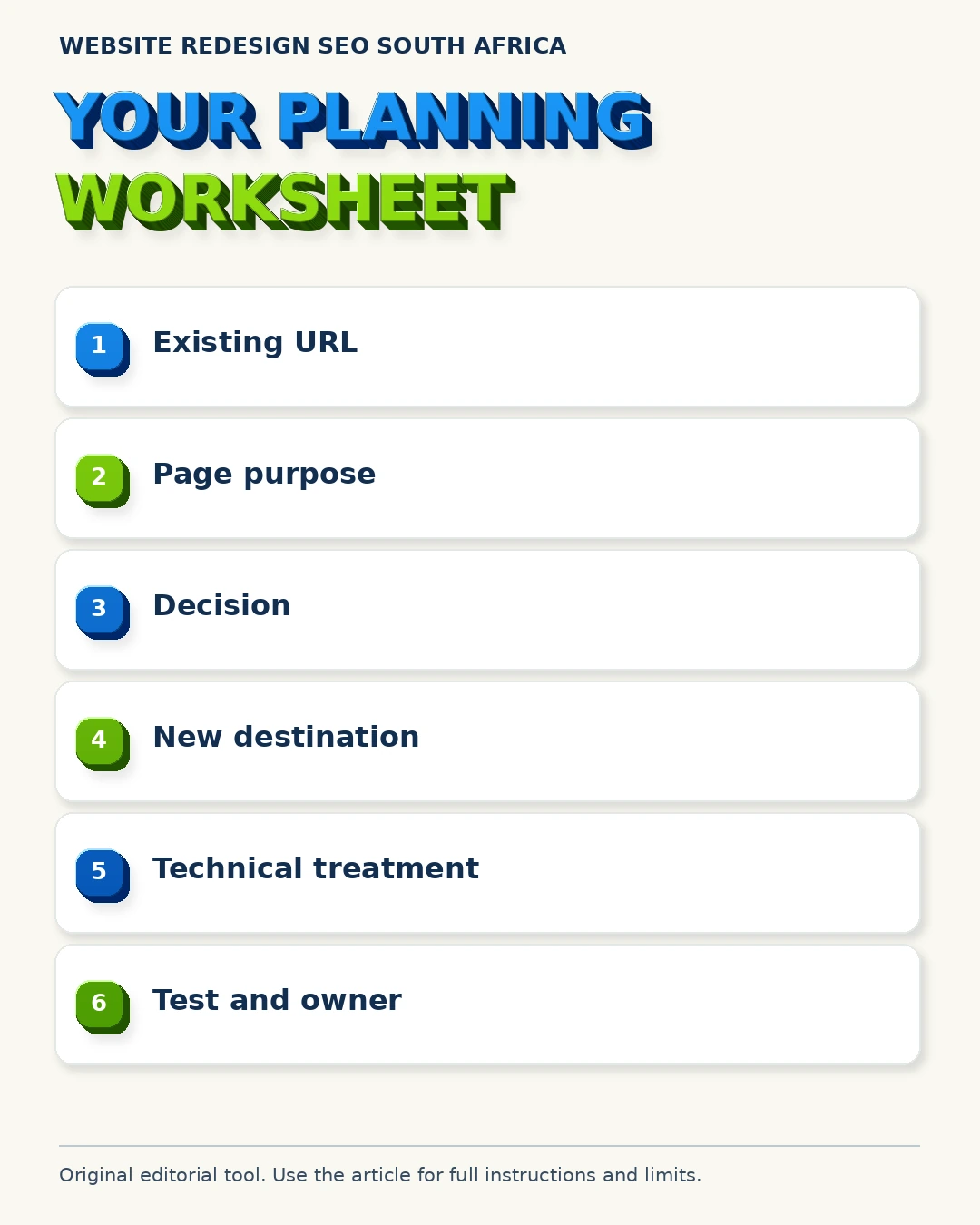
Create a spreadsheet with one row per important existing URL. Ask the supplier to complete it before the production change. Save both the approved map and the test results so that later troubleshooting starts from evidence.
| Worksheet column | What belongs in it |
|---|---|
| Existing URL | The full public address before the redesign |
| Existing purpose | The service, information or task it supports |
| Decision | Keep, improve, merge or retire |
| New destination | The intended final URL, where applicable |
| Technical treatment | Retain address, redirect or other justified response |
| Content to preserve | Facts, answers and useful owned material |
| Test result | Actual response, final page and journey result |
| Owner and sign-off | Who checked it and when |
Do not accept a map containing only the homepage and main navigation. Blog articles, service details and downloads may have independent value. Use reporting and the business’s operational knowledge to decide which require deeper checks.
Where old pages overlap, review them before consolidating. Similar titles do not prove identical intent. A service explanation and a pricing guide may help different decisions even if both use the same service name.
A hypothetical redesign decision
Fictional planning example: a South African maintenance business has separate pages for roof repairs and gutter cleaning. Its new design combines both into a short “Property services” page. No traffic or ranking results are assumed here.
Before approving that change, the owner asks whether the new page still explains each service, the accepted job types and the information needed for an enquiry. If those answers disappear, the visual simplification has removed useful decision support.
The team could retain both service URLs within a cleaner design. Alternatively, if there is a genuine reason to combine them, it could build a sufficiently useful replacement and document appropriate redirects. The right choice follows the customer needs and available evidence.
This example shows why website redesign SEO South Africa decisions belong before final design approval. Discovering the missing information after launch makes the repair more disruptive. It also creates unnecessary disagreement about what “included” meant.
For trade-specific content requirements, see websites for trades in Mitchell’s Plain. For local identity details, use our website and Business Profile consistency guide.
Agree on launch and rollback responsibility
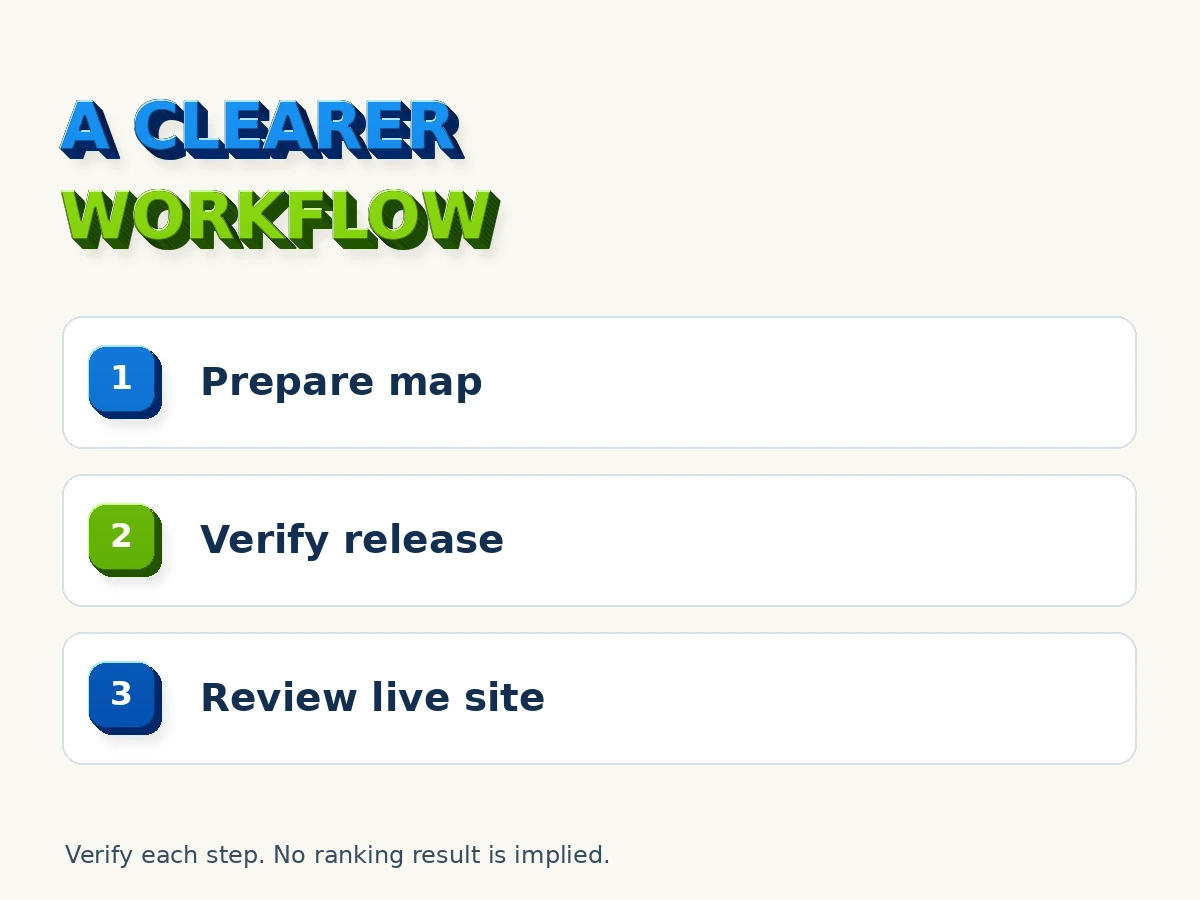
Write down who changes hosting or DNS, who checks the production site and who can authorise a rollback. Keep contact details available outside the website itself. Agree on a launch window that allows the responsible people to test and respond.
Define the problems that would justify stopping or reversing the release. Examples include a broken checkout, failed lead delivery or widespread missing pages. A small visual defect may be repairable without restoring the old site. The threshold should reflect business impact.
Keep an acceptance record with three sections: checked and passed, known limitations and unresolved blockers. A supplier’s statement that the site is “live” should not erase outstanding work. Equally, do not assume every reporting fluctuation is proof of a failed migration.
The owner should know where the backup, URL map and final content record are stored. Access arrangements should allow the business to continue if the original developer becomes unavailable. Avoid sharing passwords in the launch worksheet.
Review the site after launch
Start with availability and customer routes. Check important URLs, redirects, form delivery and any transaction systems. Then review indexing and search reports over appropriate periods. Search processing takes time and rankings can fluctuate during significant changes.
Keep a dated issue log. Record the affected URL, observed behaviour, likely business impact and the person handling it. A concrete report such as “quotation form confirmation appears but no message arrives” is easier to investigate than “the new site feels wrong”.
For search visibility, compare like-for-like data where possible. Note changed tracking, seasonality and other work happening at the same time. Avoid assigning every movement to the redesign when several conditions changed together.
Website redesign SEO South Africa work continues through this verification period. The project should have an agreed end point, with ongoing tasks moved into a clear maintenance or SEO scope. Our SEO services can be discussed where the business needs further search work after technical acceptance.
Frequently asked questions
Should every redesign change the page URLs?
No. Keep useful addresses when there is no strong reason to change them. If a URL must change, document the replacement and technical treatment, then test the old address and final destination.
Can a redesign guarantee that rankings will stay the same?
No. Search visibility can change and migrations take time to process. A careful plan reduces avoidable implementation errors. It cannot guarantee a particular position or timeline.
Is this relevant if I keep the same domain?
Yes. A same-domain redesign can still remove content, change paths, introduce indexing instructions or break forms. The checks should match the actual changes rather than the project label.
Should I delete old articles during the redesign?
Review their purpose and evidence first. Do not remove useful material purely because it is old. Update, consolidate or retire pages deliberately, with appropriate treatment of URLs and links.
What should I ask a supplier to deliver?
Ask for an existing-page inventory, approved URL map, content preservation decisions, working customer routes and a launch verification record. Add backup and handover responsibilities to the agreed scope.
Discuss your redesign before launch
Contact Easy Rank with the current website, the planned changes and the proposed launch date. We can discuss which website redesign SEO South Africa checks belong in your project and which information is needed before recommending work.
About the author

David Gous is the founder of Easy Rank in Cape Town. His work covers website design, SEO and AI search visibility. This guide uses current primary-source documentation and original planning worksheets. It does not present fictional scenarios as client outcomes.